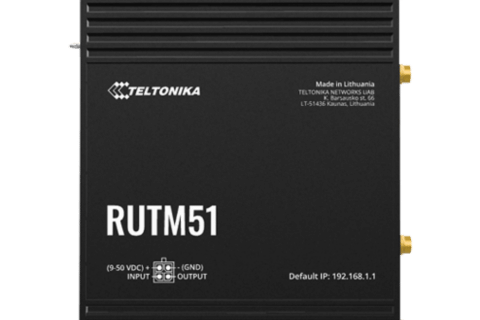
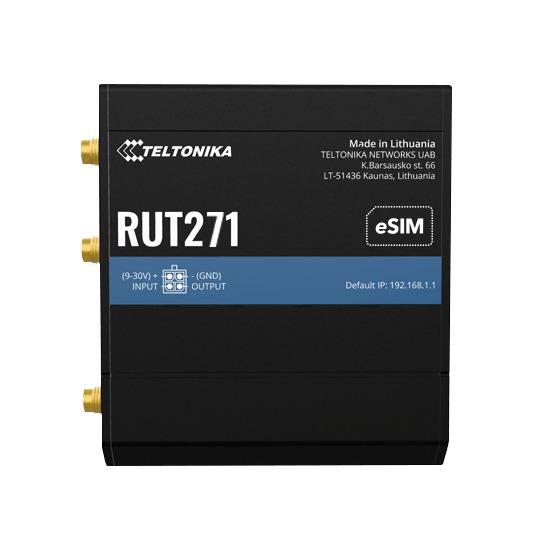
If you’ve been shopping for a new 4G router lately, you’ve probably seen “5G RedCap” popping up next to some Teltonika models. It sounds like a cut-down version of 5G, and that’s exactly what it is, on purpose. Here’s what it means in plain English, and how to tell whether it’s the right choice for your site.
What is 5G RedCap?
RedCap is short for Reduced Capability. It’s a lighter version of 5G that was added to the 5G standard in 2022 (3GPP Release 17), designed for devices that need reliable, always-on connectivity but don’t need gigabit speeds: routers for CCTV, point-of-sale, signage, remote monitoring, telemetry and the like.
To keep cost and power down, a RedCap device uses a narrower slice of the 5G signal (up to 20 MHz instead of 100 MHz or more) and fewer antennas than a full 5G device. The result is speed in the same ballpark as a good 4G (Cat 4) router, but running on the 5G network.
Teltonika’s RedCap routers are rated at up to 223 Mbps download and 123 Mbps upload on 5G, and they fall back to 4G LTE Cat 4 wherever 5G RedCap isn’t available.
How does it compare?
| 4G LTE Cat 4 | 5G RedCap | Full 5G | |
|---|---|---|---|
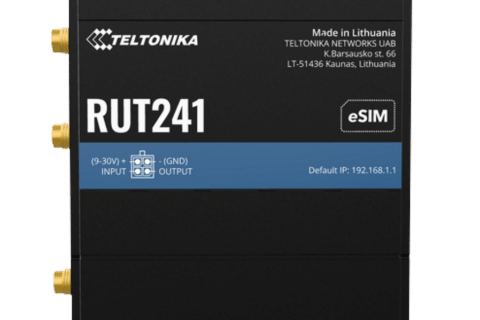
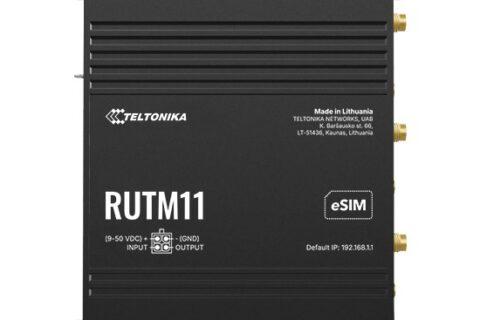
| Typical example | RUT241 | RUT271, RUT976 | RUTX50, RUTC50, RUTM series |
| Speed | Up to 150 Mbps down | Up to 223 Mbps down / 123 Mbps up | Gigabits per second in good coverage |
| Network | 4G | 5G Standalone, with 4G fallback | 5G (and 4G fallback) |
| Price | Lowest | A little more than 4G | Highest |
| Best for | Basic connectivity, tight budgets | IoT and business sites that want to be ready for the future | Primary internet for offices, sites with heavy data use |
Why it matters in Australia
With 3G switched off, 4G is now the baseline, and it will be around for years yet. But the carriers are clearly planning past it. Telstra now asks that new IoT and M2M devices certified on its network support 4G and 5G Standalone, and it has enabled RedCap on its network for lower-data devices. Its advice is to choose 5G Standalone-capable devices if you need your equipment to last.
That’s the real case for RedCap: if you’re installing a router you expect to leave in place for five to ten years, buying one that already speaks 5G Standalone is cheap insurance.
Is RedCap right for you?
RedCap is a good fit if:
- You’d otherwise buy a 4G Cat 4 router, and the extra cost is small for your project
- The router will run unattended for years (CCTV, telemetry, pumps, gates, solar sites, signage)
- Your data needs are modest: monitoring, remote access, payment terminals, a few cameras
- You want the low latency of 5G for control systems or remote access
Look at full 5G instead if:
- The router is the main internet connection for an office, home or busy site
- You’re moving large amounts of data, such as many HD camera streams or big file transfers
- You want the fastest possible speeds where there’s strong 5G coverage
Plain 4G is still fine if: the budget is tight, the job is short-term, or there’s no 5G coverage at the site and none expected. A RedCap router will simply run on 4G in that case, so you’d be paying a little extra for 5G you can’t use yet.
RUT271 or RUT976?
Teltonika RUT271: the compact one. Think of it as the RedCap version of the popular RUT241: Wi-Fi for up to 50 devices, two Ethernet ports, WAN failover and a small aluminium case. Ideal for straightforward IoT and backup links.
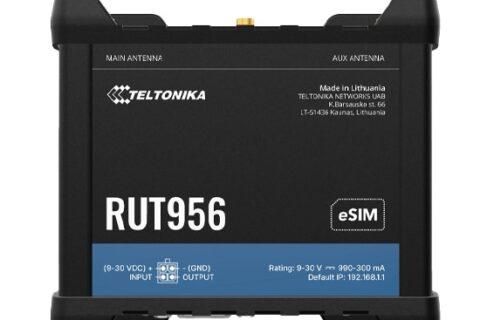
Teltonika RUT976: the industrial all-rounder, similar to the RUT956. It adds dual SIM with automatic failover, GNSS, four Ethernet ports, RS232 and RS485 serial ports and multiple I/Os, with Wi-Fi for up to 100 devices. Choose it when you need to talk to PLCs, meters or other serial equipment, or want two carriers for redundancy.
Both can be managed remotely with Teltonika RMS.
Before you buy: three quick checks
- Coverage at the site. RedCap needs 5G Standalone coverage. Telstra has RedCap enabled; for other carriers, check with them for your location. Without it, the router runs on 4G.
- Your SIM and plan. Make sure the plan includes 5G access. Some older or budget plans are 4G only.
- Antennas. In regional or fringe areas, a good external antenna often makes a bigger difference than the router itself. Ask us if you’re not sure what suits your site.
Need a hand choosing?
Tell us what you’re connecting, where it is and which carrier you use, and we’ll point you to the right router. Call 1300 803 755, email sales@ltegear.com.au, or browse our 5G RedCap routers and 5G routers.