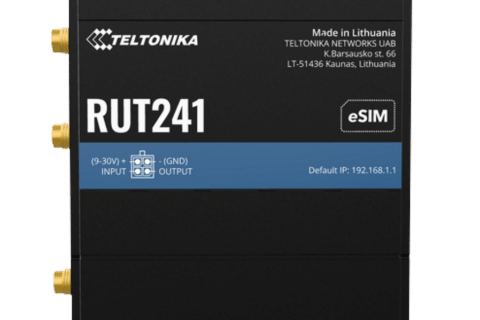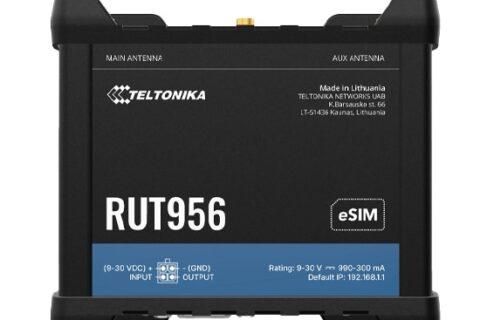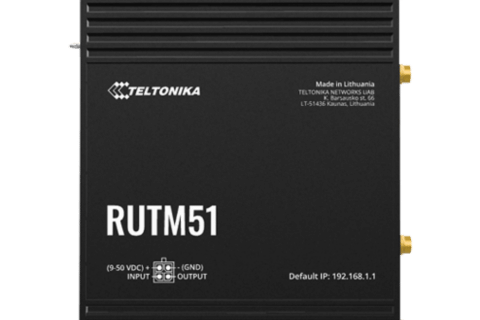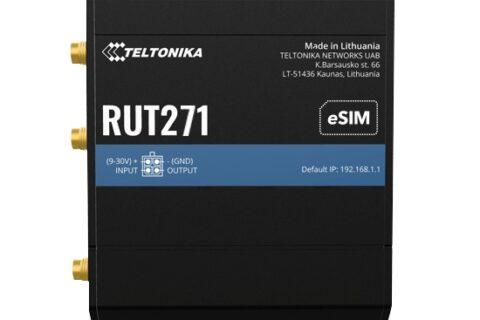
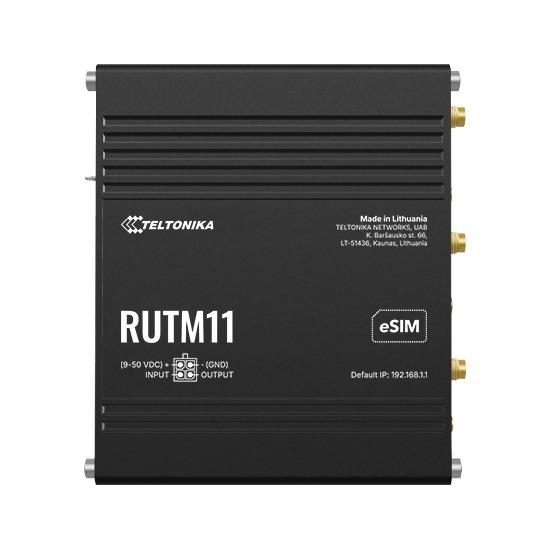
Teltonika makes dozens of routers, and from the outside many of them look much the same. The good news is that you can narrow the range down to two or three sensible options by answering five simple questions. Here’s how, with a closer look at Teltonika’s newer RUTM series and quick picks for the most common jobs we see.
Five questions to ask
1. Is it your main internet, or a backup?
If mobile is the main connection for a home, office or busy site, buy for speed and reliability: a 4G Cat 6 or 5G router. If it’s a backup to NBN, fibre or Starlink, or it’s only carrying data from a few devices, a compact 4G Cat 4 router is usually plenty.
2. How much speed do you really need?
- 4G Cat 4 (up to 150 Mbps): payment terminals, telemetry, remote access, a few cameras, backup links.
- 4G Cat 6 (up to 300 Mbps): main internet for a small office or rural home, especially with an external antenna.
- 5G RedCap: 4G-like speeds on the 5G network. A future-proof choice for routers you’ll leave in place for years. See our RedCap guide.
- Full 5G: the fastest option where there’s good 5G coverage, and a real alternative to fixed broadband.
Remember that in regional areas, signal matters more than the modem. A Cat 4 router on a good external antenna will often beat a 5G router with a weak signal.
3. One SIM, two SIMs, or two modems?
- Single SIM: fine where one carrier covers the site well.
- Dual SIM: two carriers, with automatic switching if one fails. Only one is active at a time. Most RUTM models are dual SIM.
- Dual modem (RUTM52): two 5G modems, both online at the same time, for sites that can’t afford even a short dropout.
- eSIM: several RUTM models (including the RUTM20, RUTM30 and RUTM54) support eSIM, so you can change carriers remotely without visiting the site.
4. What needs to plug in?
- Ethernet ports: how many devices, and do you need gigabit? Compact RUT2xx and RUT9xx routers have 10/100 ports, which is fine for 4G Cat 4 but will hold back Starlink or 5G. Every RUTM model has gigabit ports.
- Wi-Fi: most routers have it; industrial gateways and some RUTM models (like the RUTM09) don’t.
- Serial (RS232/RS485) and I/O: for PLCs, meters, alarms and sensors.
- GPS (GNSS): for vehicles, tracking and accurate time.
- PoE: to power a camera or access point, or to power the router itself over one cable.
5. Where will it live?
In an office, a cabinet, a vehicle, on a DIN rail, in a server rack, on a pole or roof, or on solar power at a remote site. Teltonika has a form factor for each, and getting this right saves a lot of installation hassle.
Meet the RUTM series
The RUTM range is Teltonika’s newer generation of high-performance routers, and it’s gradually taking over from the older RUTX models (for example, Teltonika lists RUTM models as the replacements for the RUTX14). Across the range you get gigabit Ethernet, modern 4G and 5G modems, and the same RutOS software and RMS remote management as every other Teltonika router. If you’re choosing a capable router today, the RUTM series is where we’d start.
| Model | Mobile | Highlights | Best for |
|---|---|---|---|
| RUTM08 | None (wired) | 4 gigabit ports, VPN, industrial protocols | Routing and VPN on a wired connection |
| RUTM10 | None (wired) | 4 gigabit ports, dual-band Wi-Fi with mesh | Starlink, NBN or fibre sites that want Teltonika Wi-Fi and management |
| RUTM09 | 4G Cat 6, dual SIM | 4 gigabit ports, GNSS, no Wi-Fi | Cabinets, vehicles and sites where Wi-Fi isn’t wanted |
| RUTM11 | 4G Cat 6, dual SIM | 4 gigabit ports, dual-band Wi-Fi, GNSS | The all-rounder: main 4G internet, backup, Starlink failover |
| RUTM20 | 5G (global modem), eSIM | Ultra-compact, PoE in/out | POS, surveillance and transport where space is tight |
| RUTM30 | 5G, dual SIM, eSIM | Compact, 2 gigabit ports, dual-band Wi-Fi | Small sites wanting 5G in a small box |
| RUTM51 | 5G (4G Cat 12 fallback), dual SIM | 5 gigabit ports, dual-band Wi-Fi | The budget-friendly way into 5G |
| RUTM59 | 5G up to 3.4 Gbps, dual SIM | 5 gigabit ports | High-speed 5G main internet |
| RUTM54 | 5G up to 3.4 Gbps, dual SIM + eSIM | Global Telit modem, 5 gigabit ports, dual-band Wi-Fi | Data-heavy sites needing top performance |
| RUTM55 | 5G up to 3.4 Gbps, dual SIM/eSIM | RS232, RS485 and I/O, 4 gigabit ports, Wi-Fi | Industrial sites connecting PLCs and legacy serial gear |
| RUTM52 | Dual 5G modems | Two connections at once, load balancing, 5 gigabit ports | Mission-critical sites that can’t go offline |
Quick picks by situation
| Situation | Good choices | Why |
|---|---|---|
| Backup for NBN or a small office | RUT241; RUTM11 if you need gigabit ports and dual SIM | Automatic failover, simple to set up |
| Main internet for a rural home or office | RUTM11 (4G Cat 6); RUTM51 or RUTM59 where there’s 5G | Higher speeds, gigabit ports, dual SIM |
| Starlink with mobile backup | RUTM11; RUTM51 for 5G backup | Gigabit WAN keeps Starlink at full speed. See our Starlink failover guide |
| Point-of-sale, markets and events | RUT241; RUTM20 for compact 5G | Small, reliable, easy to manage as a fleet with RMS |
| Remote CCTV | RUT951 for a few cameras; RUTM51 for many | Enough ports and upload speed for the cameras |
| Telemetry, PLCs and meters | TRB gateways, RUT956; RUTM55 for 5G | Serial ports, I/O and industrial protocols |
| Vehicles and mobile assets | RUT956; RUTM09 for higher speeds | GPS, dual SIM and rugged design |
| Weak signal indoors | OTD144 (4G) or OTD500 (5G) outdoor routers | Mounts outside where the signal is, powered over one network cable (PoE) |
| Can’t afford any dropout | RUTM52 | Two 5G modems, both connections online at once |
| Server rack or comms cabinet | RUTXR1 | Rack-mount design with failover |
| Future-proof, low data | RUT271 or RUT976 (5G RedCap) | 5G Standalone ready, with 4G fallback |
| Solar-powered remote site | RUT241 or RUT956 | Very low power draw. See our 12 V solar guide |
| No SIM needed (wired internet only) | RUTM10 (with Wi-Fi) or RUTM08 | Gigabit ports, Teltonika reliability and RMS without a mobile connection |
A few things that apply to every router
- Antennas count. The included antennas are fine in good coverage. In regional areas, a roof-mounted external antenna is often the single best upgrade you can make.
- Check your carrier’s coverage at the exact site, not just the town, and choose your SIM accordingly.
- Use RMS for anything remote. Teltonika RMS lets you monitor, update and fix routers without a site visit.
- All Teltonika routers run RutOS, so features like failover, VPN, firewall and remote access work the same way across the range.
Still not sure?
Tell us what you’re connecting, where it is, what your carrier coverage is like and how it’s powered. We’ll recommend the right router (and antenna) for the job. Call 1300 803 755 or email sales@ltegear.com.au. Or browse all routers.